


Protection that goes with you
ADT MySafety is a personal safety service built directly into the ADT+ app. It gives eligible residential ADT customers access to ADT's professional monitoring team 24 hours a day, 7 days a week — at home and on the go.
Whether you're walking to your vehicle, traveling alone, going for a run, riding public transportation or simply find yourself in a situation that doesn't feel right, MySafety gives you more than one way to request help.

Personal safety built into the ADT+ app
MySafety combines personal safety and home security within the ADT+ app. There is no separate MySafety app to download or manage — eligible customers open ADT+ and connect directly with ADT's trained monitoring professionals when they need help.
MySafety extends the protection customers already depend on at home into everyday situations away from home.
Every MySafety request connects the user with a trained ADT monitoring professional — not just an automated phone notification. ADT can receive the alert, understand that help is being requested, use available location information and, when necessary, contact emergency services.
Four ways to request help
Each MySafety feature fits a different kind of situation. Choose the one that matches how you want to reach ADT.
-
Emergency Call
Request a callback from an ADT monitoring professional when something doesn't feel right and you want to talk to someone. If ADT can't reach you, the agent can provide your location to emergency services.
- Walking to your vehicle
- Feeling followed
- In an unfamiliar area
-
Emergency Text
Start a discreet two-way text conversation with an ADT monitoring professional when speaking out loud isn't comfortable or safe.
- Riding public transportation
- Sitting in a vehicle
- Not wanting to be overheard
-
Safety Timer
Set a check-in window before you head out. ADT can track your location while it's active, and reach out if it expires and you don't check in.
- Going for a run
- Walking alone
- Entering an unfamiliar area
-
Emergency Phrase
Say a preset personal phrase to send an alert to ADT without reaching for your phone. Accidental triggers can be canceled.
- When your hands aren't free
- When reaching for a phone isn't safe
How Emergency Phrase works
There may be situations when a person can't safely reach for or use their phone. Emergency Phrase gives you a hands-free way to request assistance.
- 01 Create a personal emergency phrase inside MySafety.
- 02 Activate Emergency Phrase when you want this protection available.
- 03 Say your preset phrase if a situation feels dangerous or uncomfortable.
- 04 MySafety sends an alert to ADT's professional monitoring team.
- 05 ADT can request emergency services when appropriate.
If the phrase is spoken by accident, you have the chance to cancel the alert.
Real situations, real options
You don't have to wait until an emergency has already happened. MySafety is designed for the moments when your instincts tell you something isn't right.
-
01
Walking to Your Vehicle
Leaving a restaurant, store or another location and something doesn't feel right? Use Emergency Call, Emergency Text or start a Safety Timer before you walk to your car.

-
02
Traveling Alone
Being away from home can mean unfamiliar surroundings. MySafety gives eligible customers access to ADT's monitoring professionals while traveling in the United States where the service is available.

-
03
Public Transportation
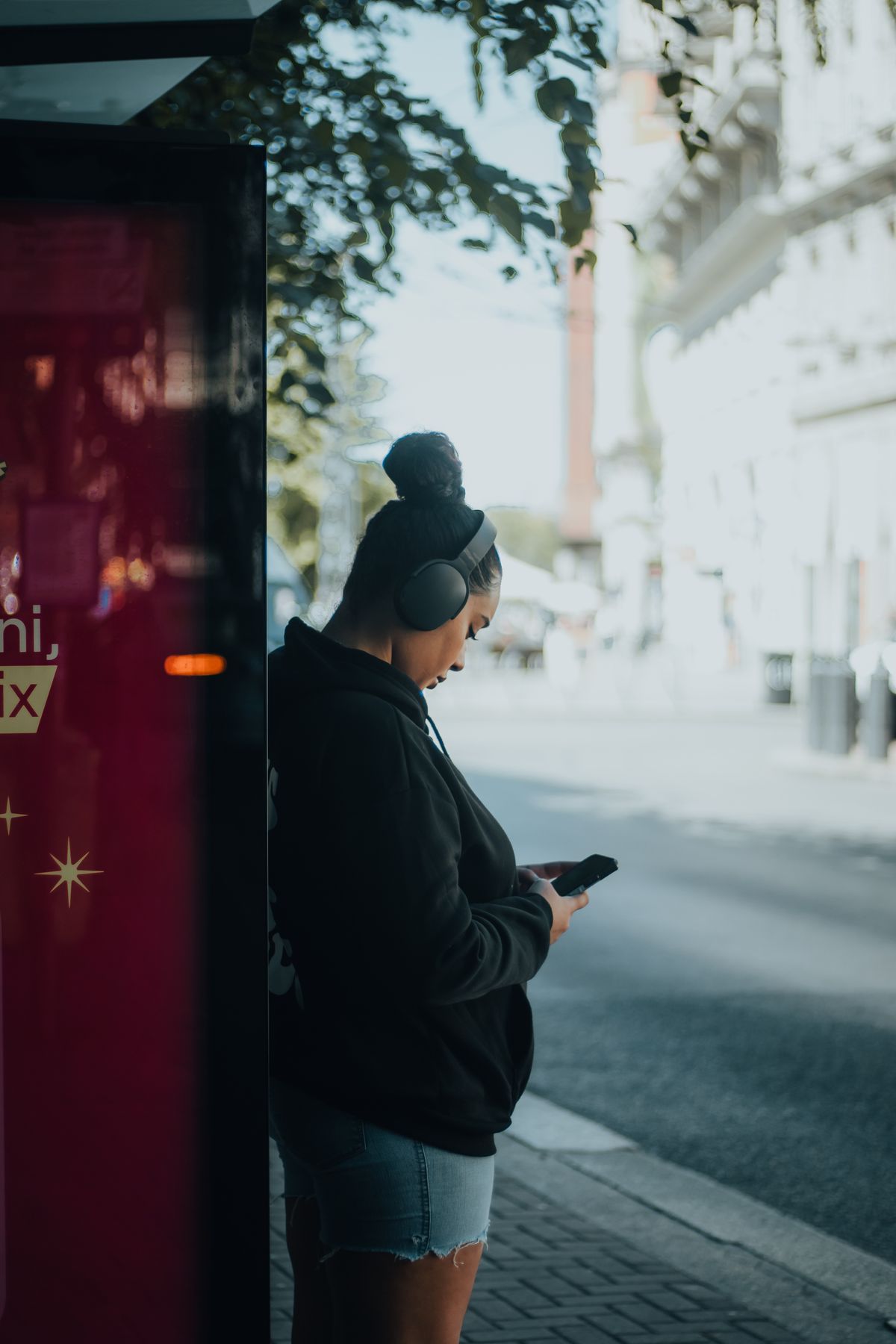
If you're on public transportation and feel uncomfortable, Emergency Text provides a discreet way to communicate with ADT without speaking aloud.
-
04
Going for a Run
Activate Safety Timer before you start, choose how long you expect to be gone, and check in when you're back. If you don't check in and ADT can't reach you, ADT can escalate the situation.

-
05
Parking Lots and Unfamiliar Locations
Parking lots and areas you don't know well can leave you feeling isolated or uncomfortable. Reach ADT through Call, Text, Safety Timer or Emergency Phrase depending on the situation.

-
06
When Something Simply Doesn't Feel Right
The Safety Timer and discreet communication options can provide added protection before a situation escalates — you decide when to use them.
Security that goes beyond the front door
A home security system protects the property. MySafety adds another layer of protection focused on the person.
At Home
Your ADT Security System can help protect:
- Your home
- Doors and windows
- Your property
- Your family while at home
Away From Home
MySafety provides:
- Emergency Call
- Emergency Text
- Safety Timer
- Emergency Phrase
- Location-based assistance during eligible events
Location matters here: during an active Safety Timer, or during certain emergency events, ADT can use available location information — important since you may be away from your home address when help is needed.
Eligibility and the details
- Built into ADT+ No separate MySafety app to download or manage.
- Age 15 or older MySafety users must meet this minimum age.
- Eligible ADT+ system required ADT+ app, compatible ADT Base and ADT professional monitoring.
- Private to each user Only the person who starts a MySafety activity sees that session's status and alerts.
- No additional charge Currently included for eligible professionally monitored ADT+ customers.
- Available in the U.S. Service availability and system eligibility requirements apply.
Questions about MySafety
What is ADT MySafety?
ADT MySafety is a personal safety service built directly into the ADT+ app that connects eligible residential customers with ADT's professional monitoring team while at home or on the go.
Is MySafety a separate app?
No. MySafety is built into the ADT+ app — there is nothing additional to download.
Does MySafety include professional monitoring?
Yes. MySafety gives eligible users 24/7 access to ADT's professional monitoring team.
What are the four MySafety features?
Emergency Call, Emergency Text, Safety Timer and Emergency Phrase.
Can ADT see my location during a Safety Timer?
During the active Safety Timer interval, an ADT monitoring professional can track the user's location. If the timer expires and the user can't be reached, ADT can provide that location to emergency services.
What happens if I say my Emergency Phrase by accident?
ADT provides an option to cancel an accidental activation.
Can ADT contact emergency services through MySafety?
Yes. Depending on the MySafety event and circumstances, ADT's professional monitoring agents can contact emergency services on behalf of the user.
Is MySafety available to family members on the account?
Eligible users added to the ADT account can access MySafety. Each person's MySafety activity, alerts and notifications are visible only to the user who started that session — MySafety does not display a call history.
Is MySafety for businesses?
No. Spartan Smart Security promotes MySafety as part of an eligible residential ADT+ security system, not a commercial or workplace product.
Is there an extra charge for MySafety?
MySafety is currently included at no additional charge for eligible customers with a professionally monitored ADT+ Security System.
Protect your home — and take protection with you
Ask Spartan Smart Security whether the ADT+ system you're considering is eligible for MySafety.
Call 281-888-8645